Home Theater
Create a cozy cinema at home. Explore XuanPad projector options ideal for living rooms and bedrooms to stream movies, shows, and family content.

Experience bright, crisp visuals and easy setup with the XuanPad projector for movies, gaming, and presentations.

XuanPad is dedicated to bringing big-screen entertainment into everyday life. The XuanPad projector pairs practical design with dependable performance, making it simple to enjoy movies, sports, gaming, and presentations at home or on the go.
Focused on clarity, portability, and ease of use, our projectors feature quick setup and versatile connectivity for today’s devices. From living rooms to backyard movie nights, XuanPad helps you create a theater-like experience without the hassle.
We’re committed to thoughtful engineering, reliable quality, and friendly support—so you can focus on what matters: sharing great moments on a bigger screen. Explore the latest XuanPad projector models and accessories at xuanpadprojector.com.
Create a cozy cinema at home. Explore XuanPad projector options ideal for living rooms and bedrooms to stream movies, shows, and family content.
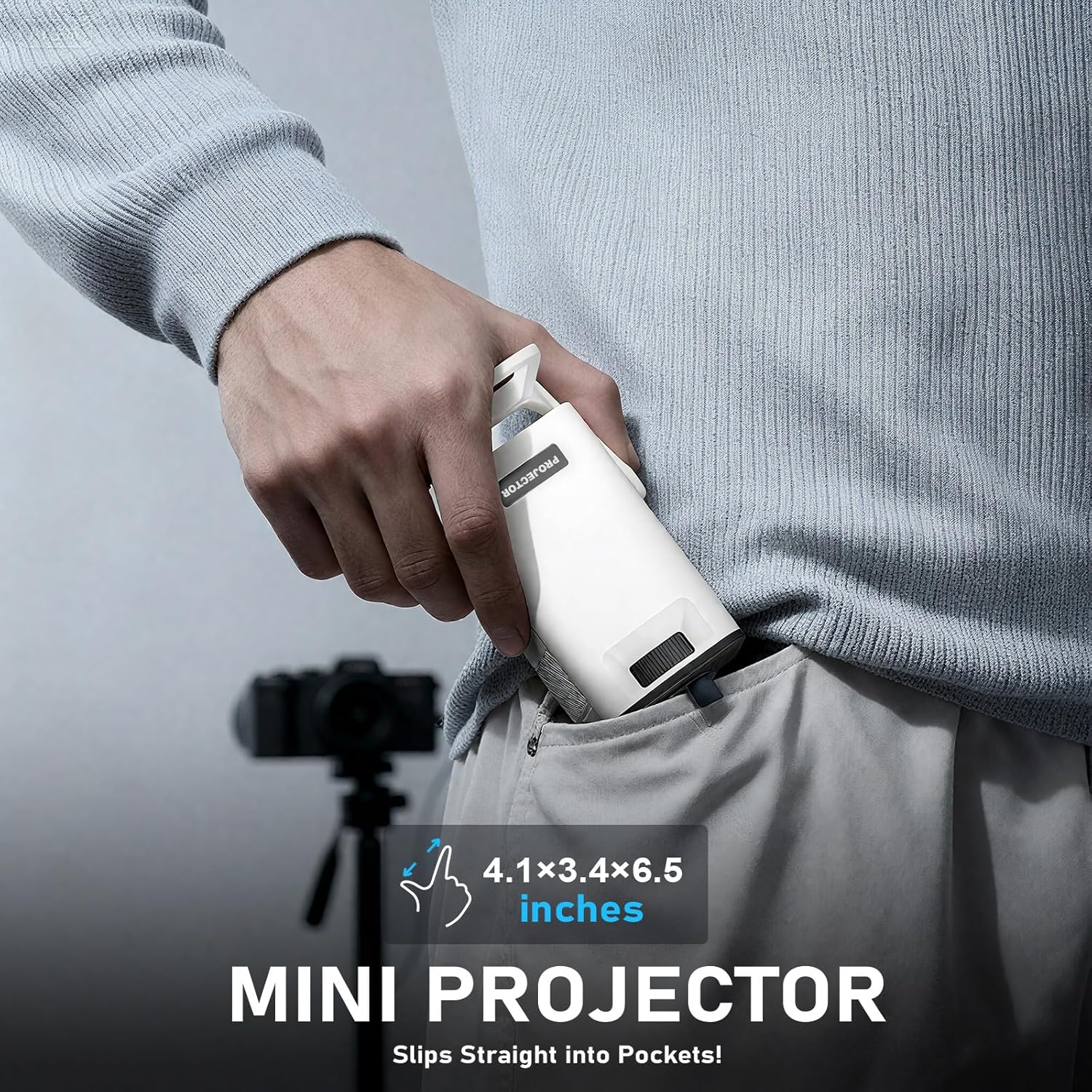
Compact, travel-ready projectors you can set up in minutes. Great for dorms, small spaces, and on-the-go presentations with a XuanPad projector.

Turn patios, backyards, and campsites into pop-up theaters. Find the right XuanPad projector and screen combos for summer nights and sports watch parties.
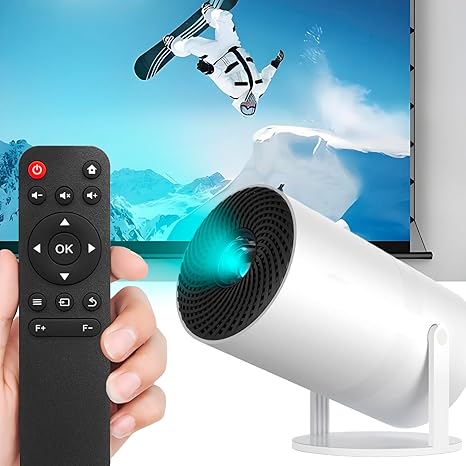
Screens, mounts, tripods, HDMI adapters, and carrying cases that elevate your XuanPad projector experience and make setup simple in any space.
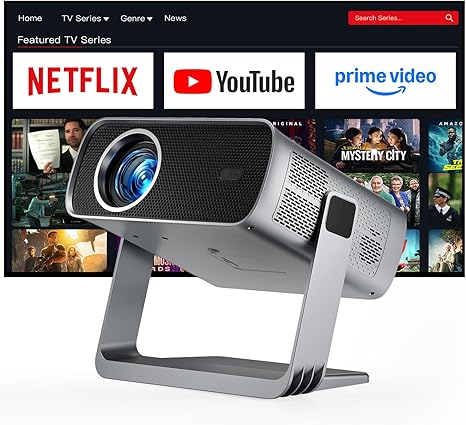
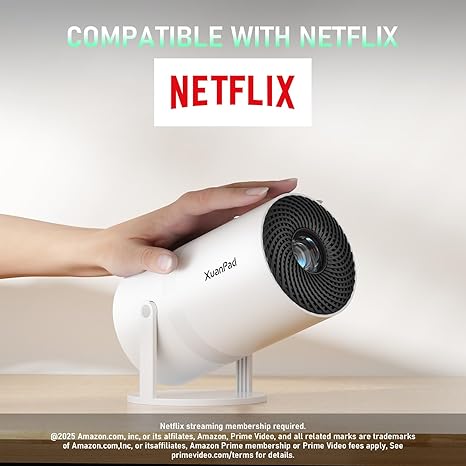
This Netflix‑licensed XuanPad projector delivers bright native 1080p visuals with effortless auto focus/keystone and Wi‑Fi 6—perfect for couch classics or backyard movie nights.
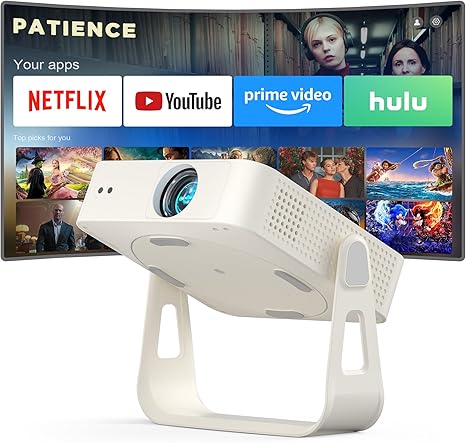
A slim native 1080p XuanPad projector with licensed Netflix plus YouTube/Prime Video; one‑touch setup and Bluetooth 5.2 make nightly streaming simple.
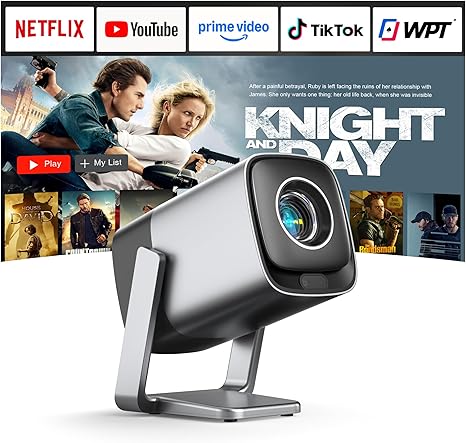
Quiet and cinema‑ready, this XuanPad projector pairs Dolby Audio with auto‑focus and a short‑throw design for big‑screen movies in tight spaces—just tap Netflix and play.
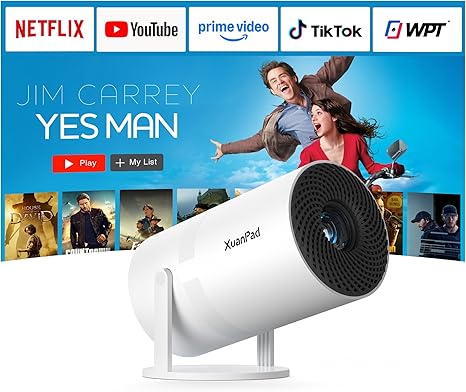
For a premium upgrade, this XuanPad projector adds TOF auto‑focus, HDR10+ and Dolby Audio for vivid, theater‑like streaming over fast Wi‑Fi 6.
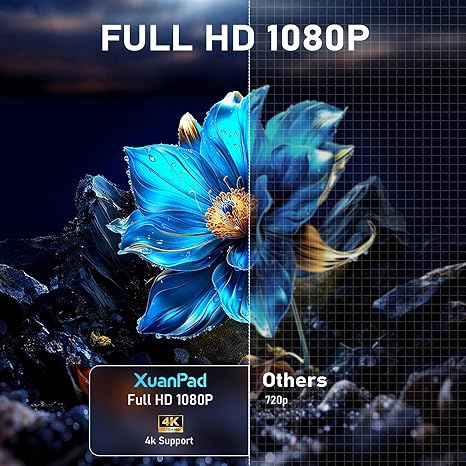
Many XuanPad projector models support Full HD 1080p for sharp movies, sports, and games. You get crisp detail that stays readable on larger screens.
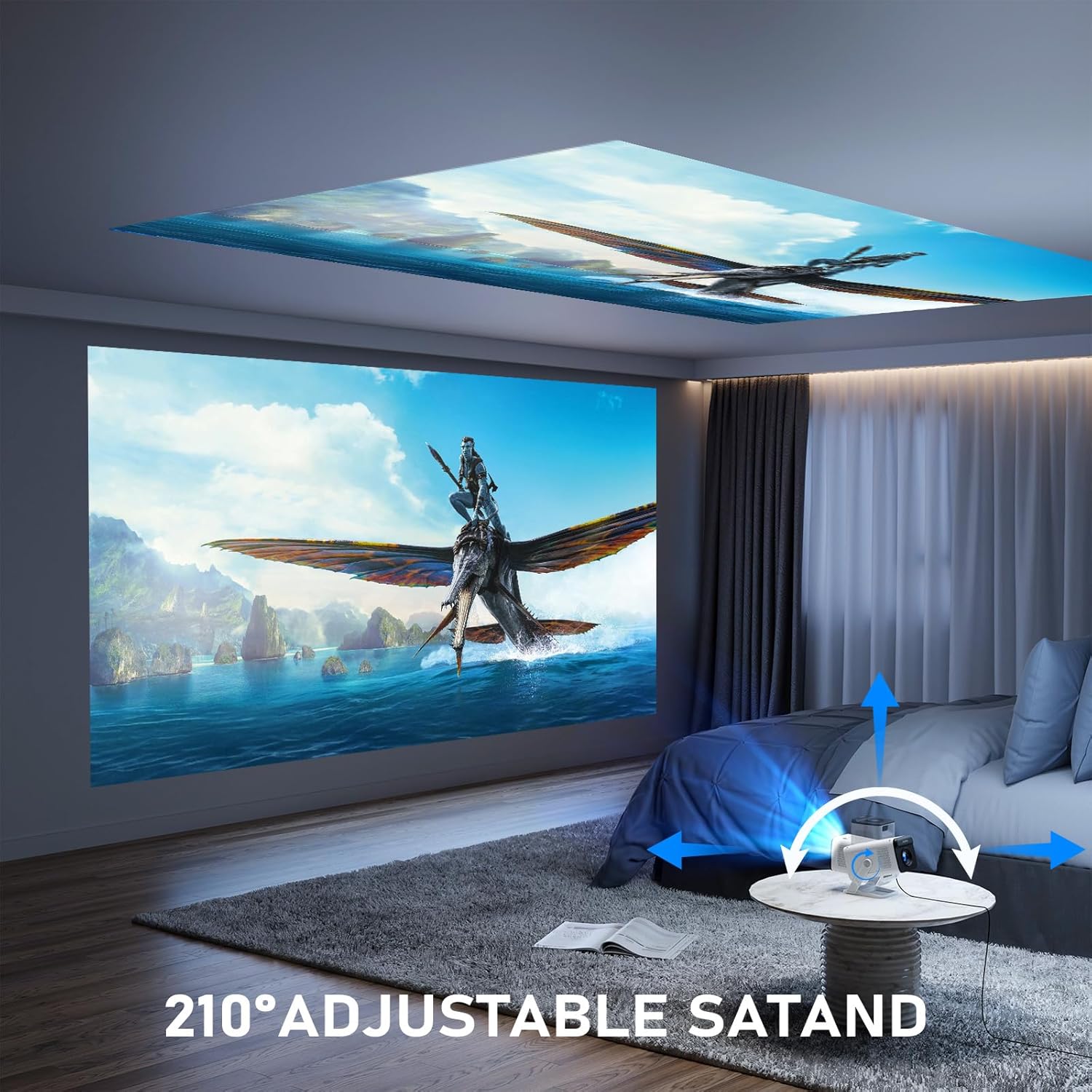
XuanPad projectors can create large images for living rooms or bedrooms, often reaching 100–200 inches from a typical few‑meter setup. This helps you size the picture to your room without complex installation.
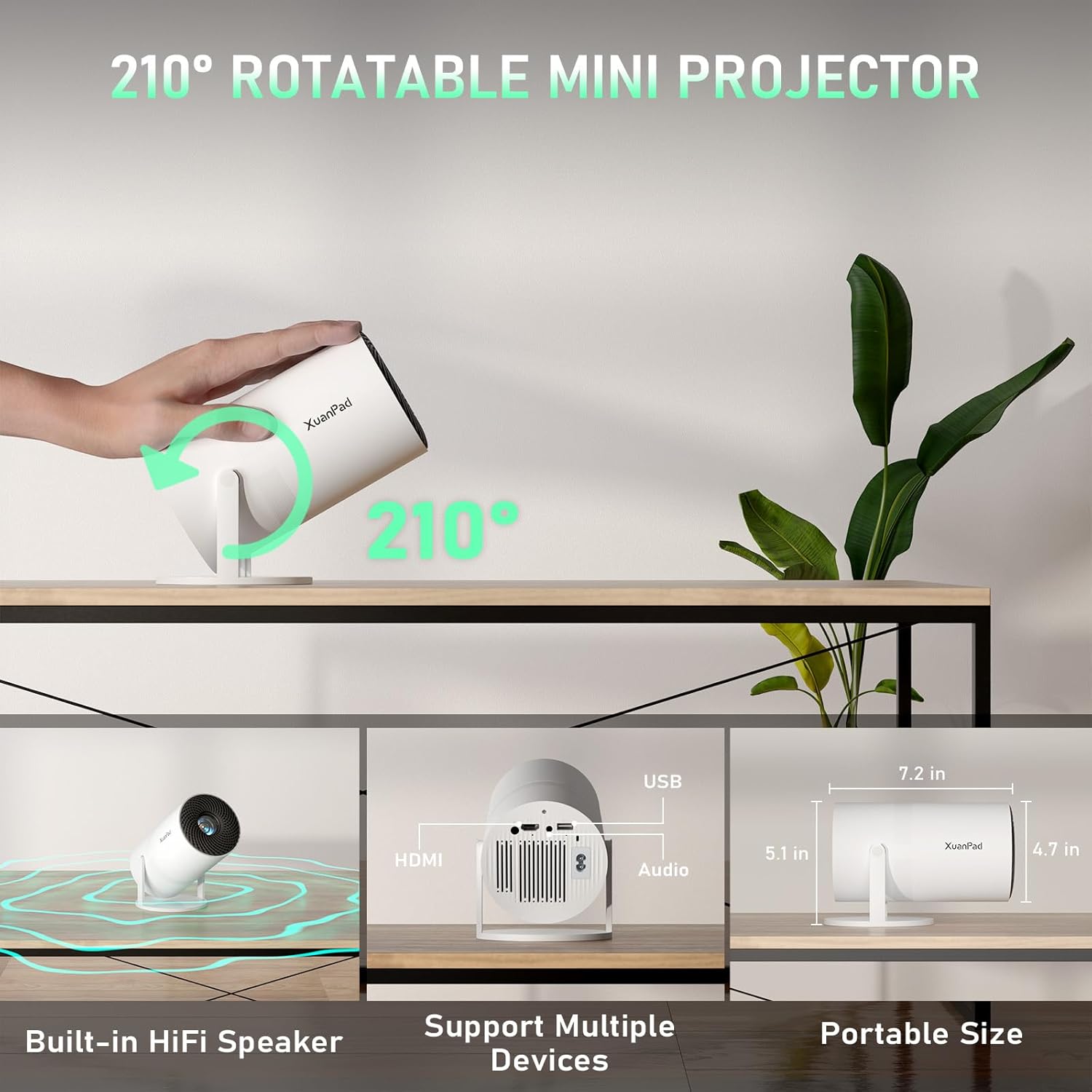
With HDMI, USB, AV, and 3.5 mm audio, a XuanPad projector works with TV sticks, laptops, game consoles, and USB media. Broad compatibility means you can use the gear you already own.
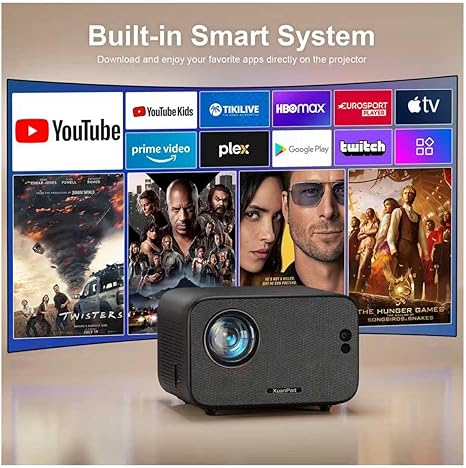
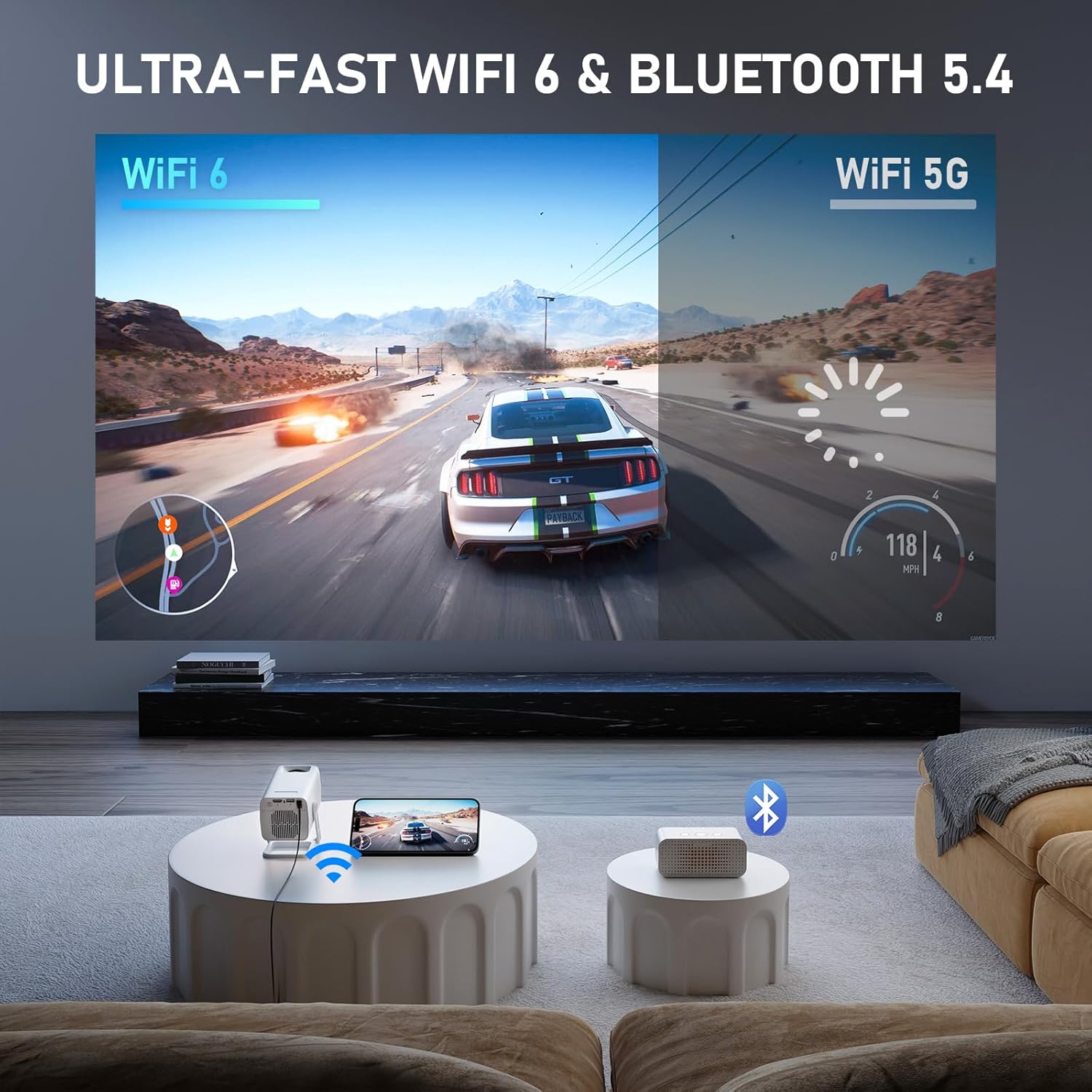
Select XuanPad projector models include Wi‑Fi for screen mirroring and Bluetooth for pairing speakers or headphones. Fewer cables make setup cleaner and audio placement more flexible.
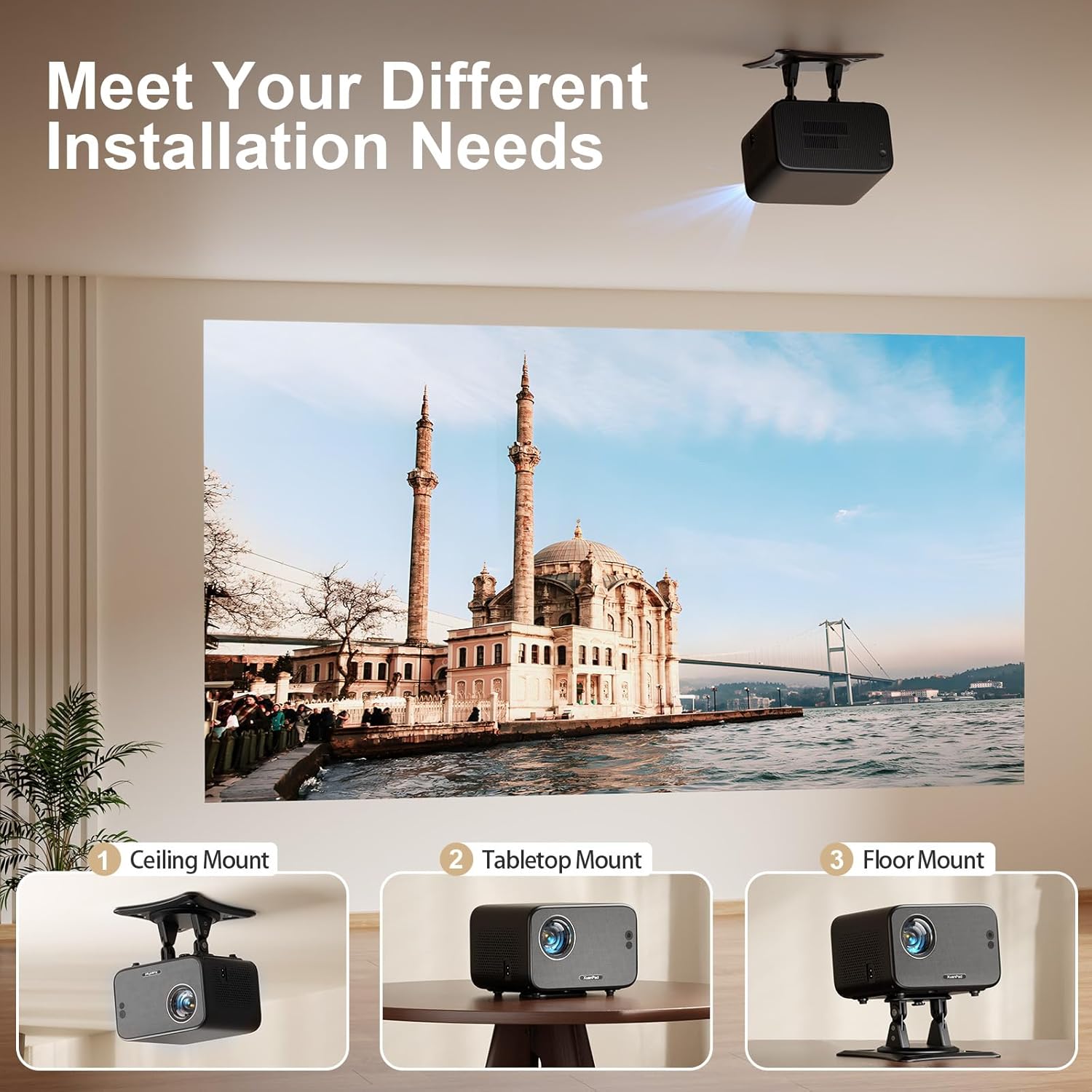
Compact designs and built‑in speakers make a XuanPad projector easy to move between rooms. Enhanced cooling and noise‑reduction help maintain stable playback with less fan noise.

"I’m genuinely impressed by the XuanPad projector—setup took minutes, the image is crisp even in a bright room, and the keystone controls made my small space feel like a home theater. It’s reliable, quiet, and the value easily beats options I’ve tried before."

"The XuanPad projector delivers sharp visuals for presentations and weekend movies, and dialing in focus was fast on different walls. I appreciate the compact build, low fan noise, and how quickly it connects to my laptop and phone."

"After a week with the XuanPad projector, streaming looks vibrant and smooth, and subtitles are easy to read across the room. Portability, simple controls, and quick HDMI pairing make it a smart upgrade for apartment living."
The XuanPad projector is great for movie nights, TV shows, and casual entertainment at home or outdoors after dark. This portable mini projector delivers its best picture in a dark room on a mid‑size screen.
Most XuanPad projectors support 1080p input but are not native 1080p; their native resolution is typically lower. For the sharpest results, keep the image around 60–100 inches and feed a clean 720p or 1080p signal.
For iPhone or iPad, use a certified Lightning‑to‑HDMI adapter; for many Android phones, use USB‑C‑to‑HDMI (Alt‑Mode) or a compatible wired mirroring adapter. Wireless casting usually requires a streaming stick (Chromecast, Fire TV, or Roku) plugged into the projector’s HDMI port.
Many XuanPad projector models do not include built‑in Wi‑Fi or Bluetooth, while some newer variants add basic mirroring features. For Bluetooth audio, connect speakers with the 3.5 mm audio jack, or pair speakers to a streaming device that supports Bluetooth.
Yes. Plug in a streaming device like Fire TV Stick, Roku, or Chromecast, or connect a laptop via HDMI to the XuanPad projector.
Like most budget portable projectors, the XuanPad mini projector performs best in a darkened room. For daytime use, close curtains and keep the screen smaller; it isn’t designed for bright, sunlit spaces.
Expect a usable image from roughly 30 to 170 inches depending on the model and room darkness. Many users find 60–100 inches at a few meters distance provides the sharpest, brightest results with manual focus and simple vertical keystone.
Yes, connect a PS5, Xbox, Switch, or PC via HDMI for big‑screen gaming. The XuanPad projector is fine for casual play, though input lag and motion blur may make it less ideal for fast competitive games.
The built‑in speaker is convenient but limited. For fuller audio, connect powered speakers or a soundbar using the 3.5 mm audio jack, or route sound through a streaming device or HDMI audio extractor to your home theater.
A simple setup includes the XuanPad projector, an HDMI source (streaming stick, laptop, or console), and a screen or smooth white wall. A small tripod or mount, an extension cord, and external speakers can greatly improve placement and sound.
Experience crisp, big‑screen visuals at home with simple, plug‑and‑play ease. Make every movie night and game session feel epic.
Shop Now